












JPG to SVG Converter
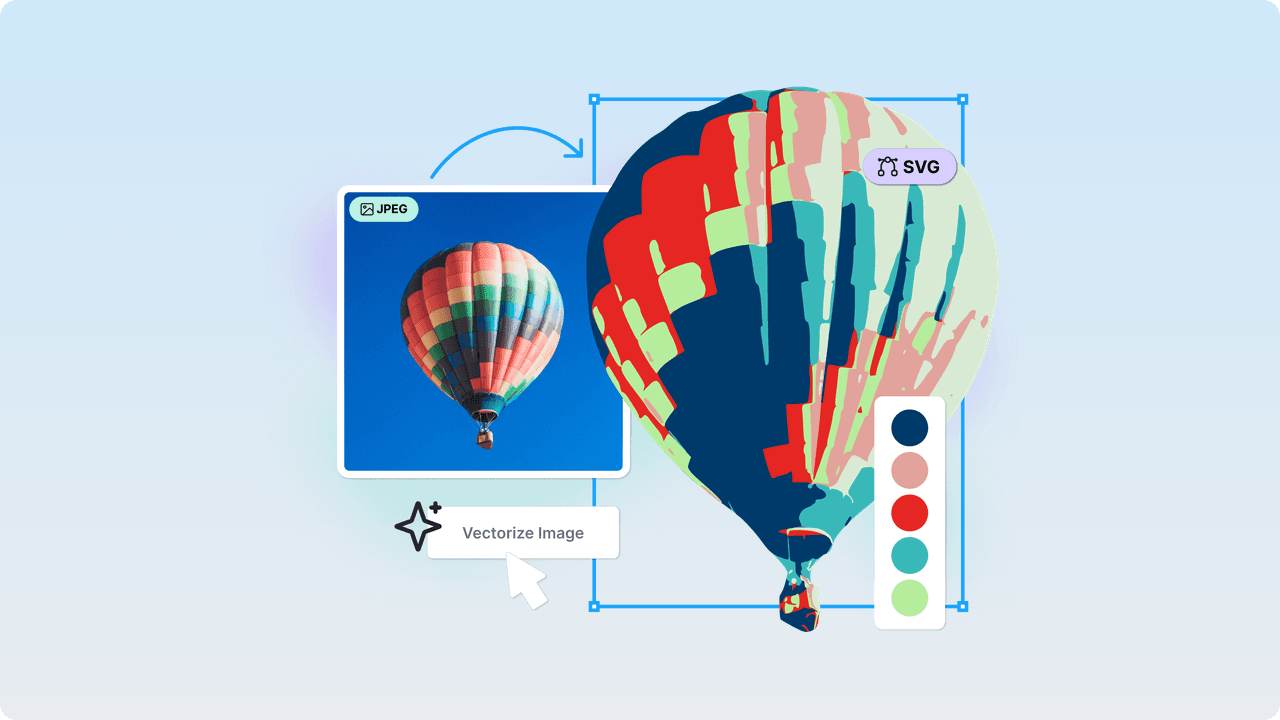
Convert your JPG to SVG online and for free: Upload your image, choose between black & white or color mode, and get a fully editable vector that you can save as SVG or edit in Kittl.
Enjoy one-click AI background removal before converting your SVG and change the colors of your SVG vector with ease.
JPG to SVG Converter
How to use Kittl's JPG to SVG converter
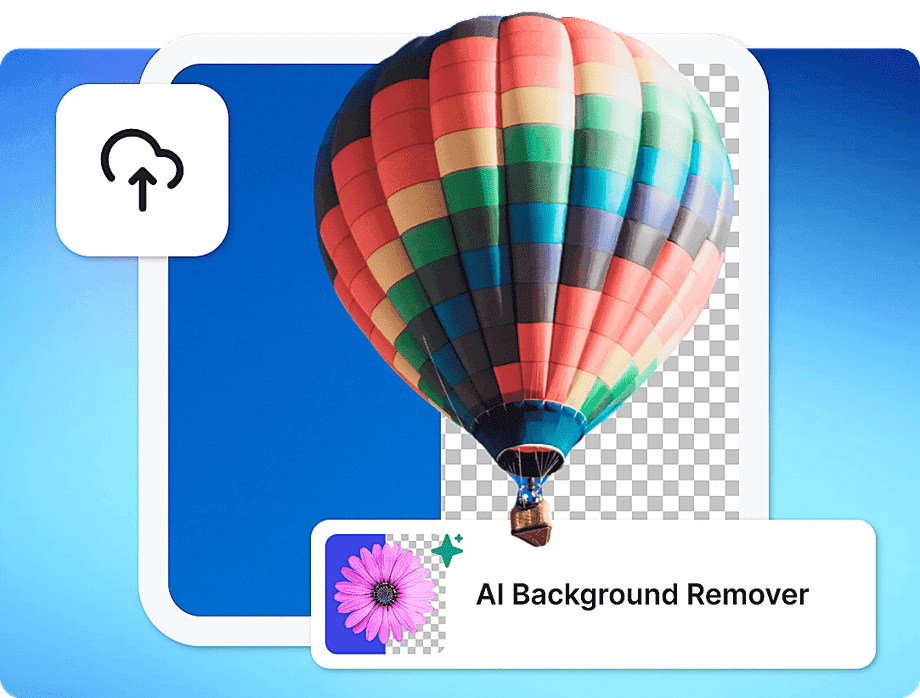
1. Upload Your JPG & Remove the Background
Upload your image in JPG format to the SVG Converter. If you want to vectorize only the main subject of your picture, use our one-click background removal before converting your JPG into an SVG.
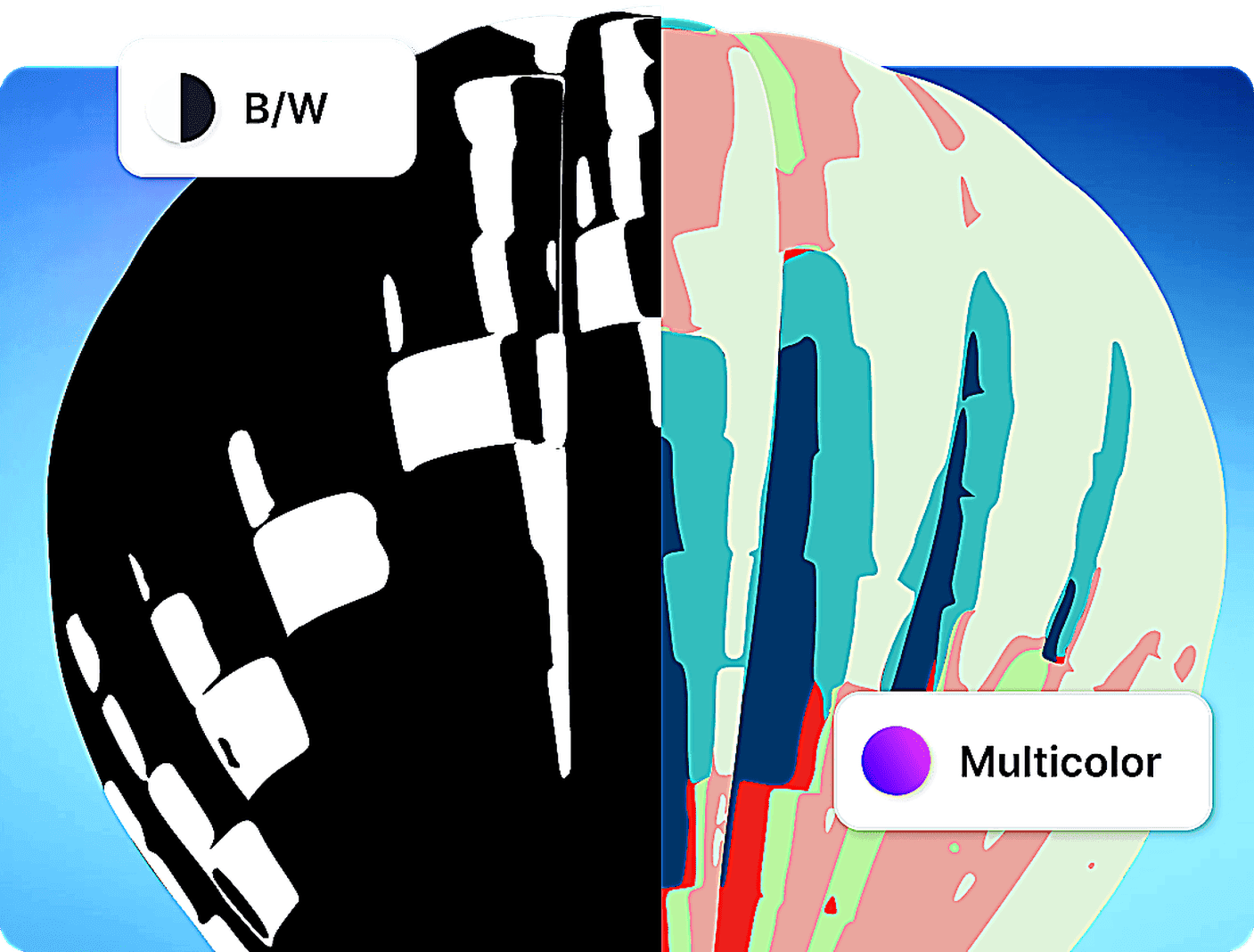
2. Choose Color Mode & Convert Your JPG to SVG
Select 'Black & White' or 'Full Color' to define the number of colors in your vector, then simply click 'Vectorize' to convert your JPG image into a fully editable SVG file.
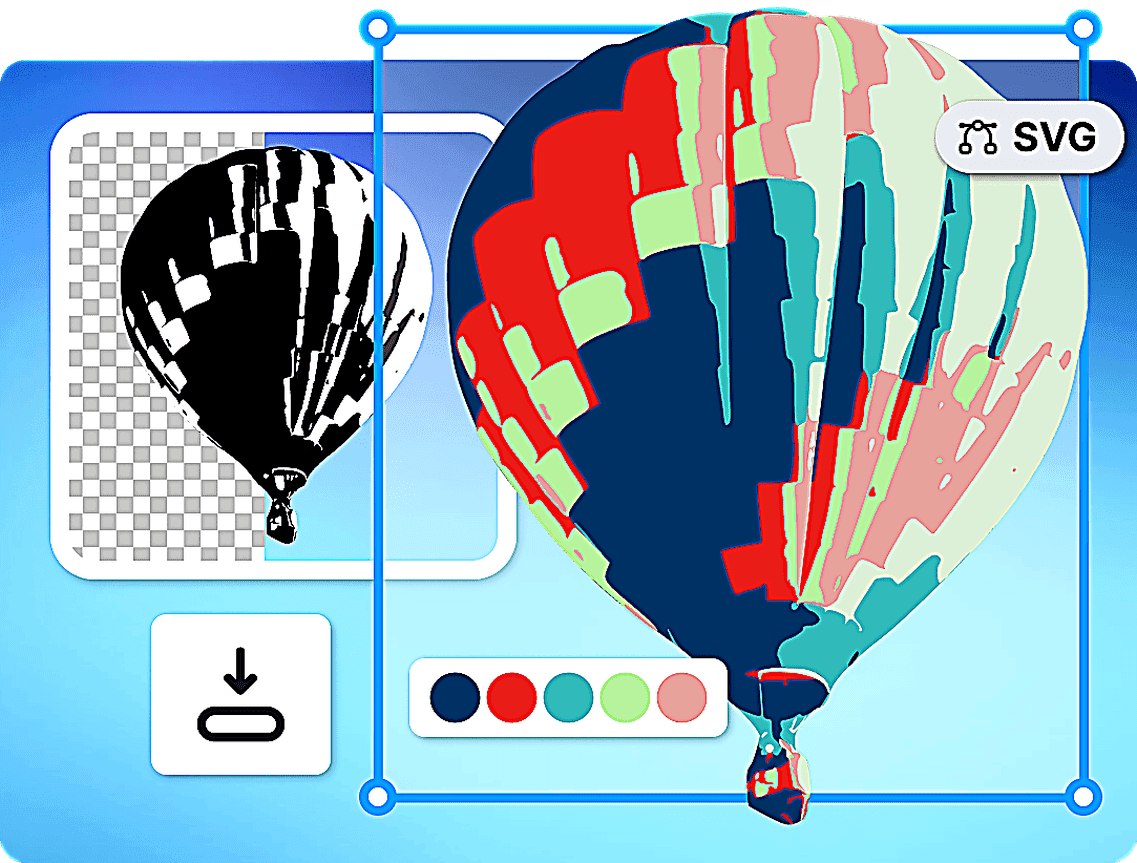
3. Edit & Download Your SVG
After conversion, either download your SVG file immediately or open it in the Kittl Editor for color adjustments and export it in different file formats.
“Vector artwork is soooo good with Kittl AI”
Will Paterson
850k+ subscribers
“It's user-friendly and the vectors come out looking pro. Huge help for my portfolio!”
Odetta Rockhead-Kerr
1.22M+ subscribers
Discover More From Kittl
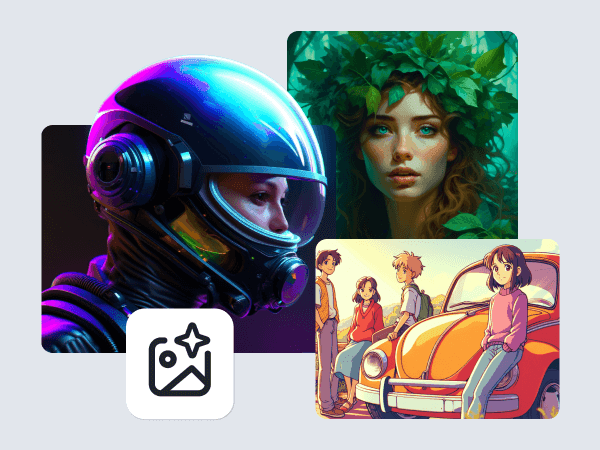
AI Image Generator
Generate original images and art with AI. Customize every detail, choose styles, and export high-res graphics — fast, easy, and limitless creativity.
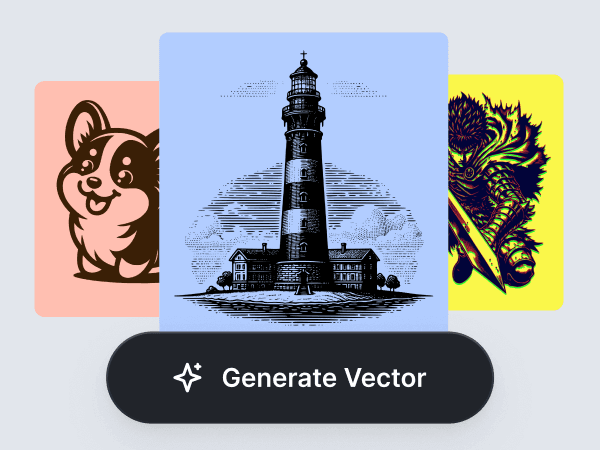
AI Vector Generator
Create editable vector graphics from a simple prompt. Make brand-ready icons, stickers, labels, merch designs, packaging assets, and launch visuals with Kittl’s AI Vector Generator.
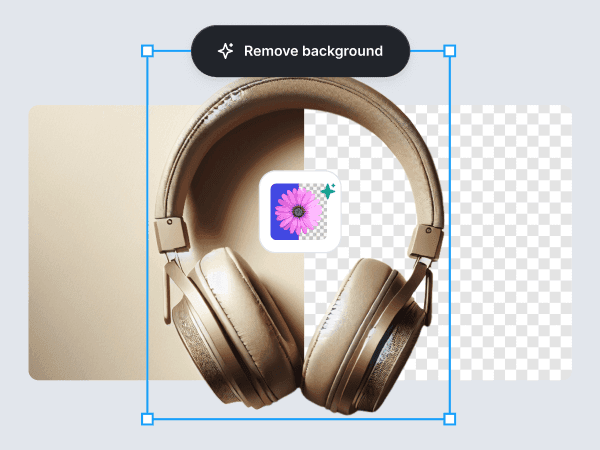
AI Background Remover
Eliminate backgrounds from images seamlessly with Kittl's AI Background Remover. Achieve professional, isolated subjects in seconds.
Frequently Asked Questions
An SVG (Scalable Vector Graphic) is a versatile image format that defines graphics with vectors rather than pixels, allowing for infinite scaling without loss of quality.
- Start with Any JPG Image.
- Let our free tool automatically transform it into SVG format, with options for black and white or full color.
- Edit and Download. After converting, you can save, share, or further customize your SVG to make it uniquely yours.